Are you still letting your Kindle highlights from My Clipping.txt gather digital dust? Those sparking words and life-changing sentences—the ones that cheered you up and saved your day—don’t let them fade away. Bring them home with BookMemo.
Community
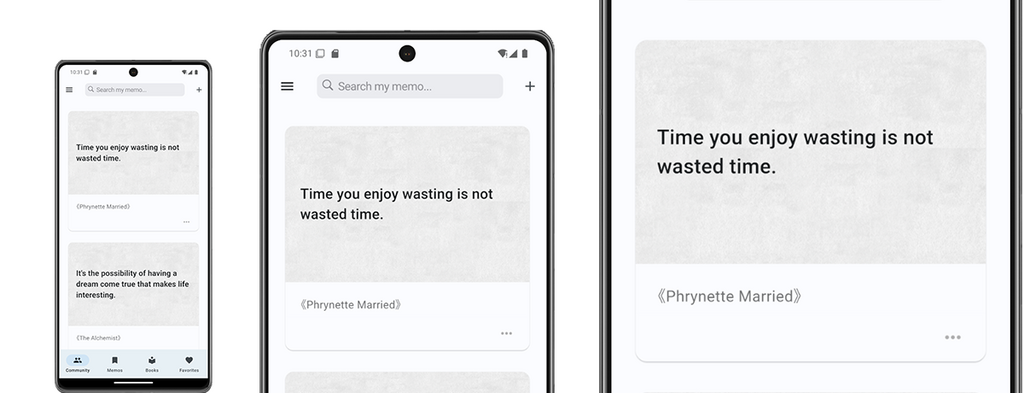
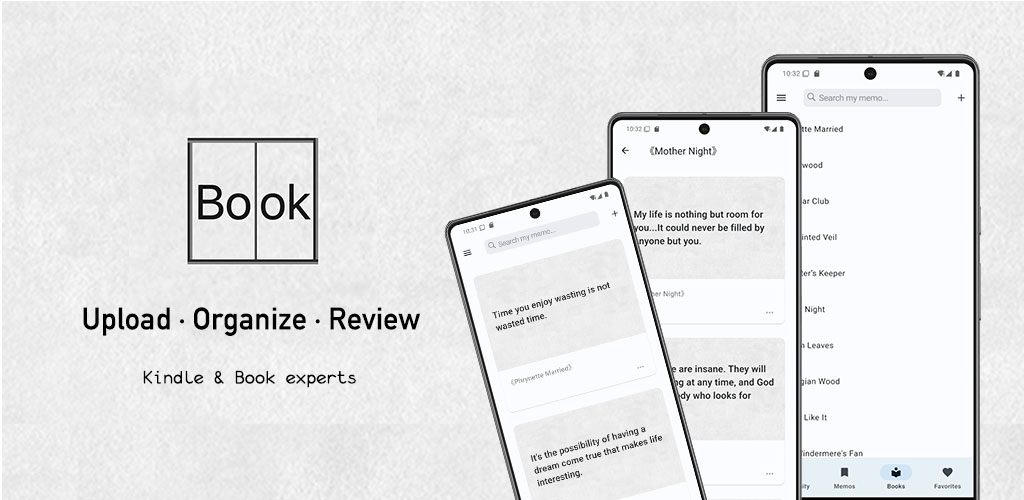
In the Community tab, you can explore memos from fellow readers, save the ones that resonate with you, and discover your next great read. While reading is a deeply personal journey, browsing thoughtful book highlights is far more rewarding than mindlessly scrolling through social media.
Memos
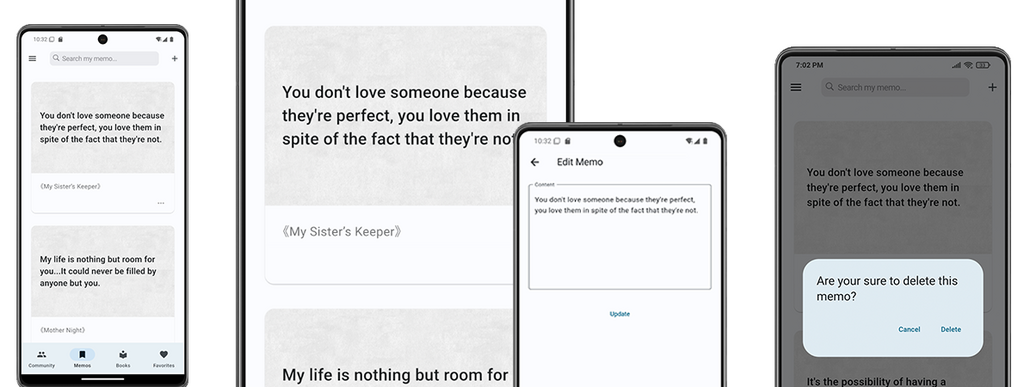
Your Kindle highlights sync directly to the Memos tab after uploading. You can browse through your saved passages anytime, giving you the perfect opportunity to digest and reflect on them once more.
If you notice any duplicates or typos, you can easily edit or trim them to keep your collection perfectly refined.
Books
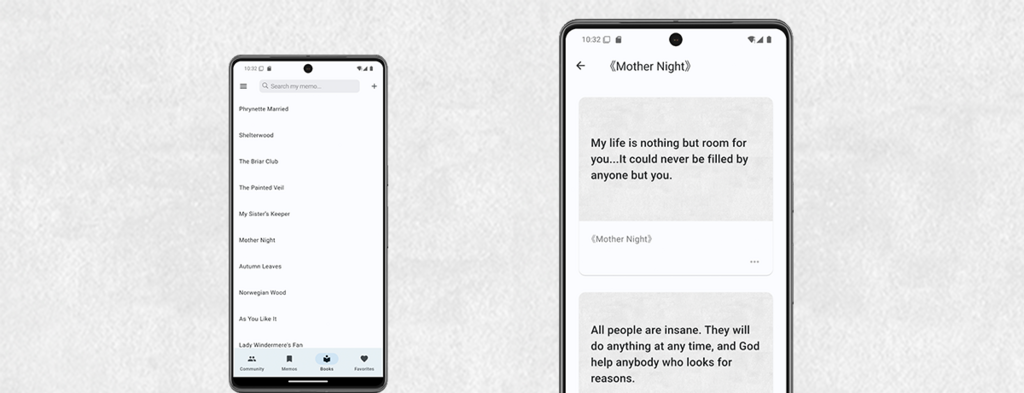
The Books tab brings your reading history to life, giving you the nostalgic feeling of browsing a physical bookshelf. Simply click on any book title to instantly view all its related memos, making it incredibly easy to recall insights from every book you’ve invested time in.
Favorites
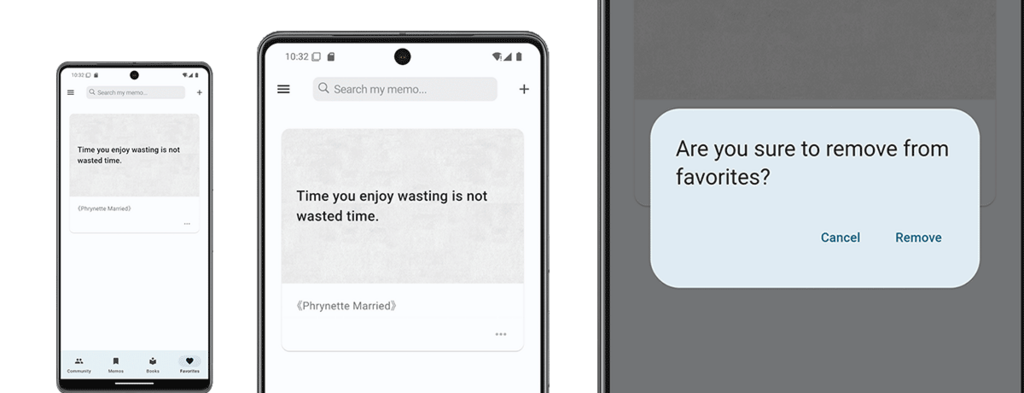
The Favorites tab holds the memos you want to flag for future review. While browsing the Community tab, simply tap the heart icon on any memo card to instantly save it to your Favorites. Of course, you can easily remove items from this collection whenever you like.
Add a memo
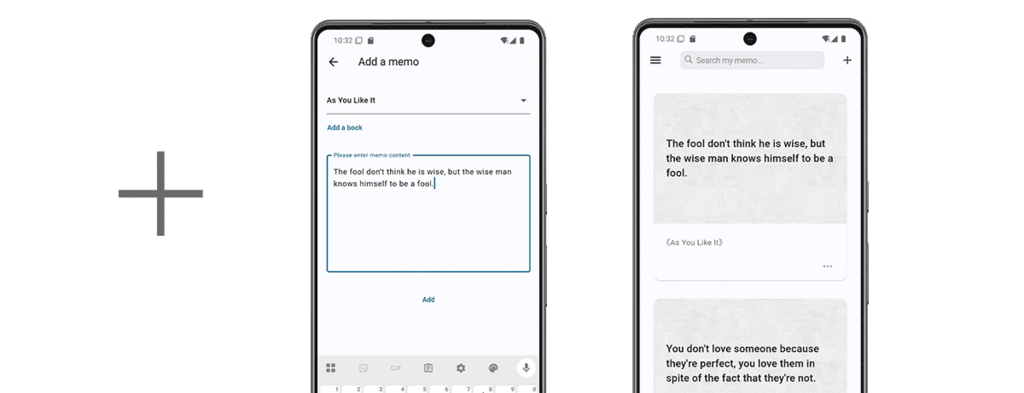
You can also manually add memos to BookMemo — a handy feature when you’re reading a physical book. Looking ahead, we plan to make this even easier by introducing convenient features like text scanning.
Search a memo
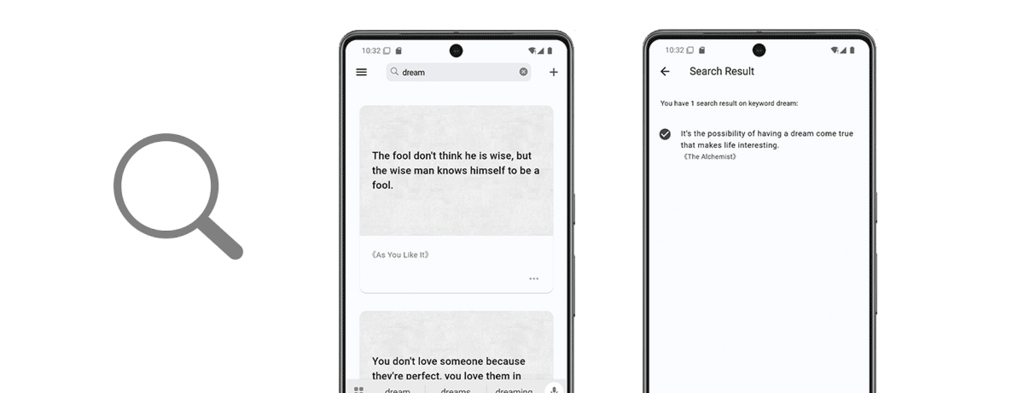
You can easily find any memo you’ve uploaded or added by using the search bar right at the top.
Finally
If you encounter any problems or have any suggestions while using the BookMemo app, please feel free to leave a comment.